All solutions
For membership and community owners
Run a paid membership
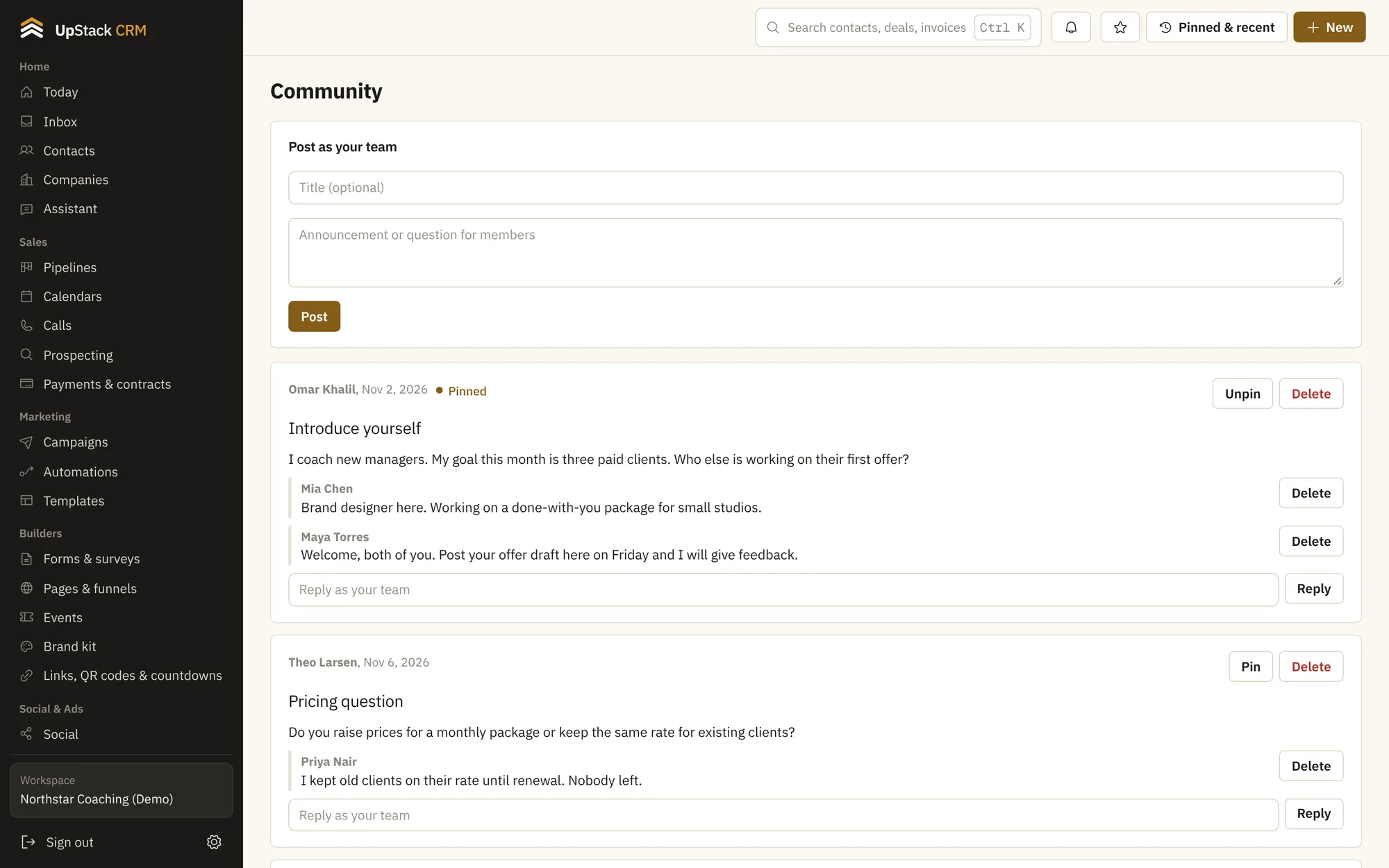
Members join, pay, log in to your content and talk to each other in a community space. You see who is active and who is about to leave.
CommunityCourses and student portalInvoices, payments and contractsEmail and text campaignsAutomationsSupport tickets and knowledge base
Your stack, built from the bottom up
What changes for you
A community space
Members post, reply and share in a feed that lives inside your own portal.
Content behind a login
Put lessons and files behind the student portal so only members see them.
Monthly billing
Charge a recurring price and see failed payments in one list.
Activity you can act on
See who has gone quiet and send them a message in two clicks.
Set it up in this order
- 1Create the community and add your first posts
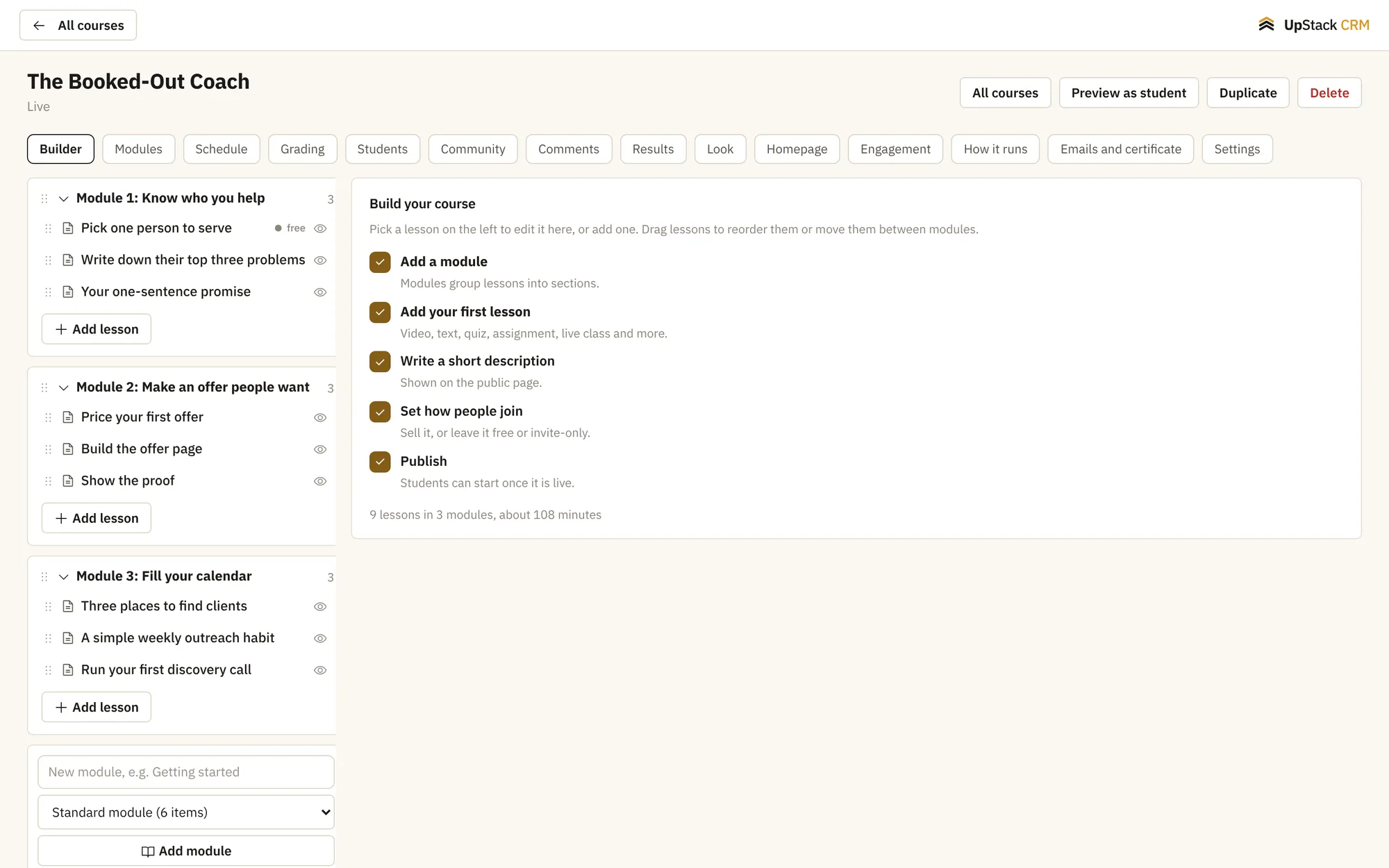
- 2Add member-only lessons
- 3Set a monthly price
- 4Message members who stop showing up
Questions
Do members need a separate app?
No. They use a web portal that works on a phone.
Is the community private?
Yes. Only logged-in members can see it.