All solutions
For trainers and instructors
Keep the schedule full and the members engaged
Clients book sessions or classes, pay for packages and hear from you by text. Members who go quiet get a message before they cancel.
Calendars and bookingEvents and webinarsEmail and text campaignsAutomationsReviews and testimonialsInvoices, payments and contracts
Your stack, built from the bottom up
What changes for you
Classes and one-on-one sessions
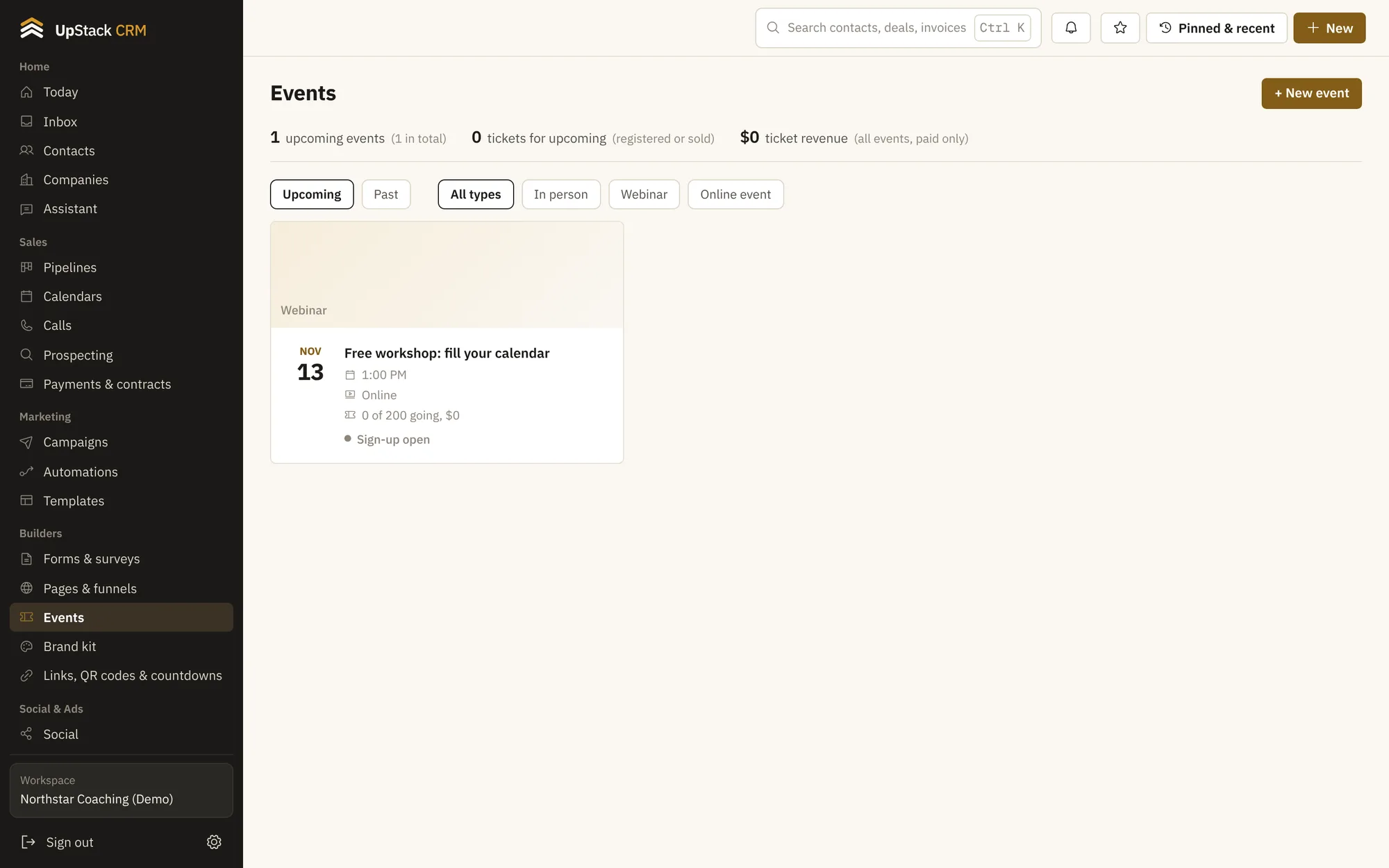
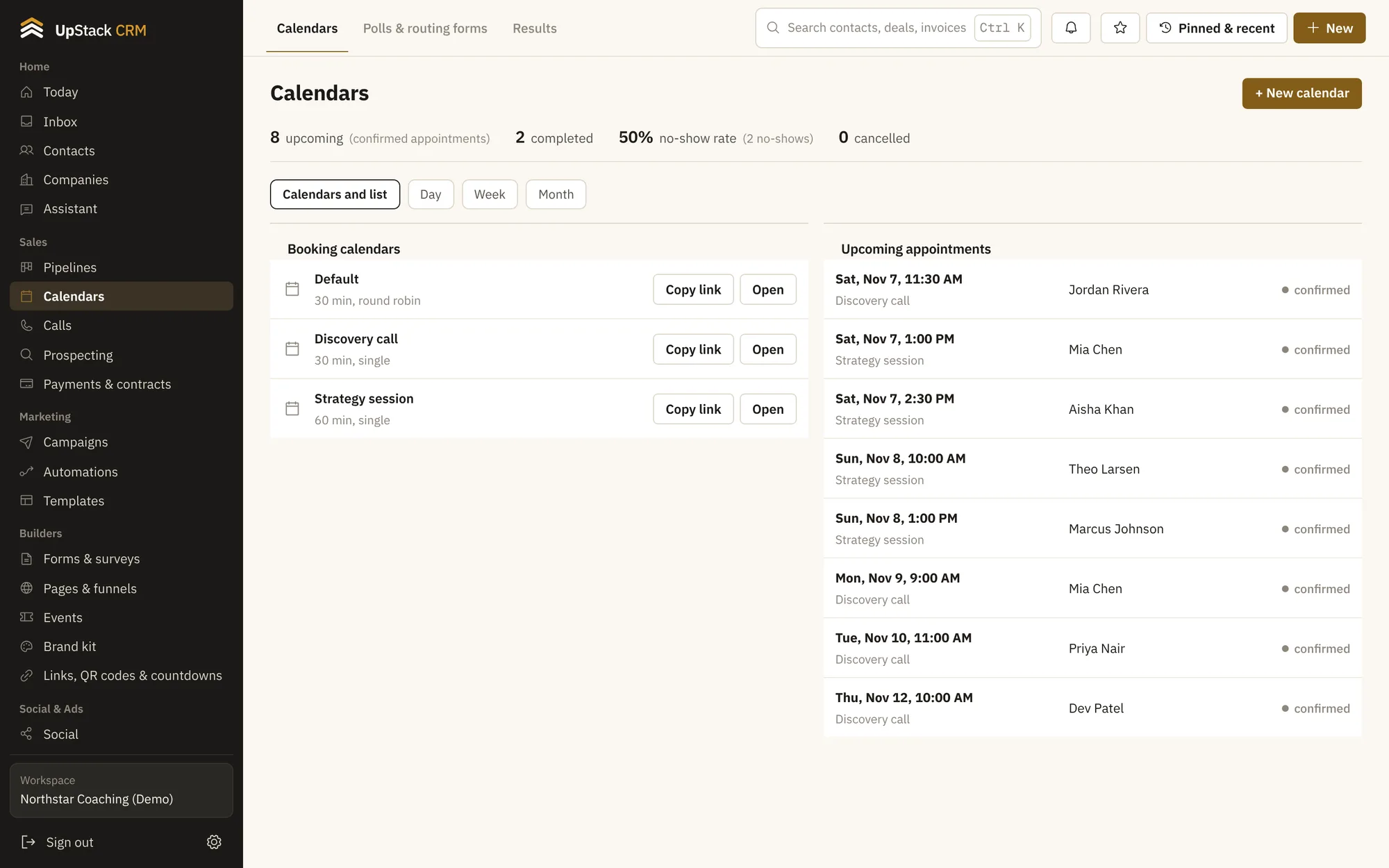
Offer group events with a seat limit or one-on-one calendars, each with its own rules.
Text reminders
Texts get read. Send reminders and last-minute openings straight to a phone.
Win-back messages
Find people who have not booked in a while and send them a note with an automation.
Reviews after a session
Ask happy clients for a review a day after they visit.
Set it up in this order
- 1Add your sessions and classes
- 2Connect a text provider
- 3Turn on reminders and the win-back message
- 4Ask for reviews automatically
Questions
Who pays for texts?
You connect your own text provider and pay it directly. UpStack does not mark up messages.
Can I limit class size?
Yes. Set a seat limit on any event.