All solutions
For coaches
Fill your calendar and keep clients on track
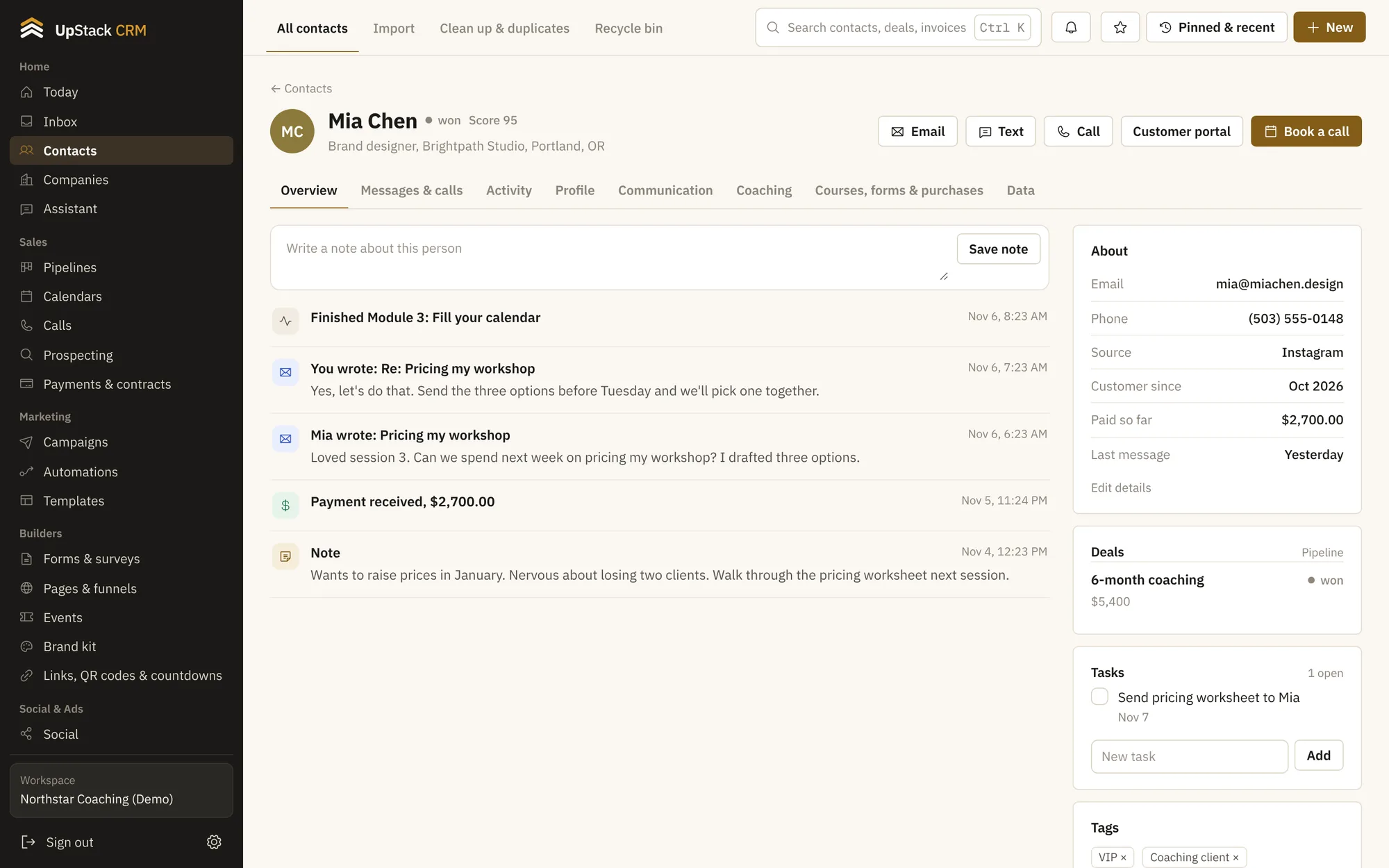
Leads book a call from your link, pay an invoice, sign an agreement and get their program, all without you copying details between apps. After the call, notes and tasks stay with the client.
Calendars and bookingCoaching toolsInvoices, payments and contractsForms and surveysShared inboxTasks and goals
Your stack, built from the bottom up
What changes for you
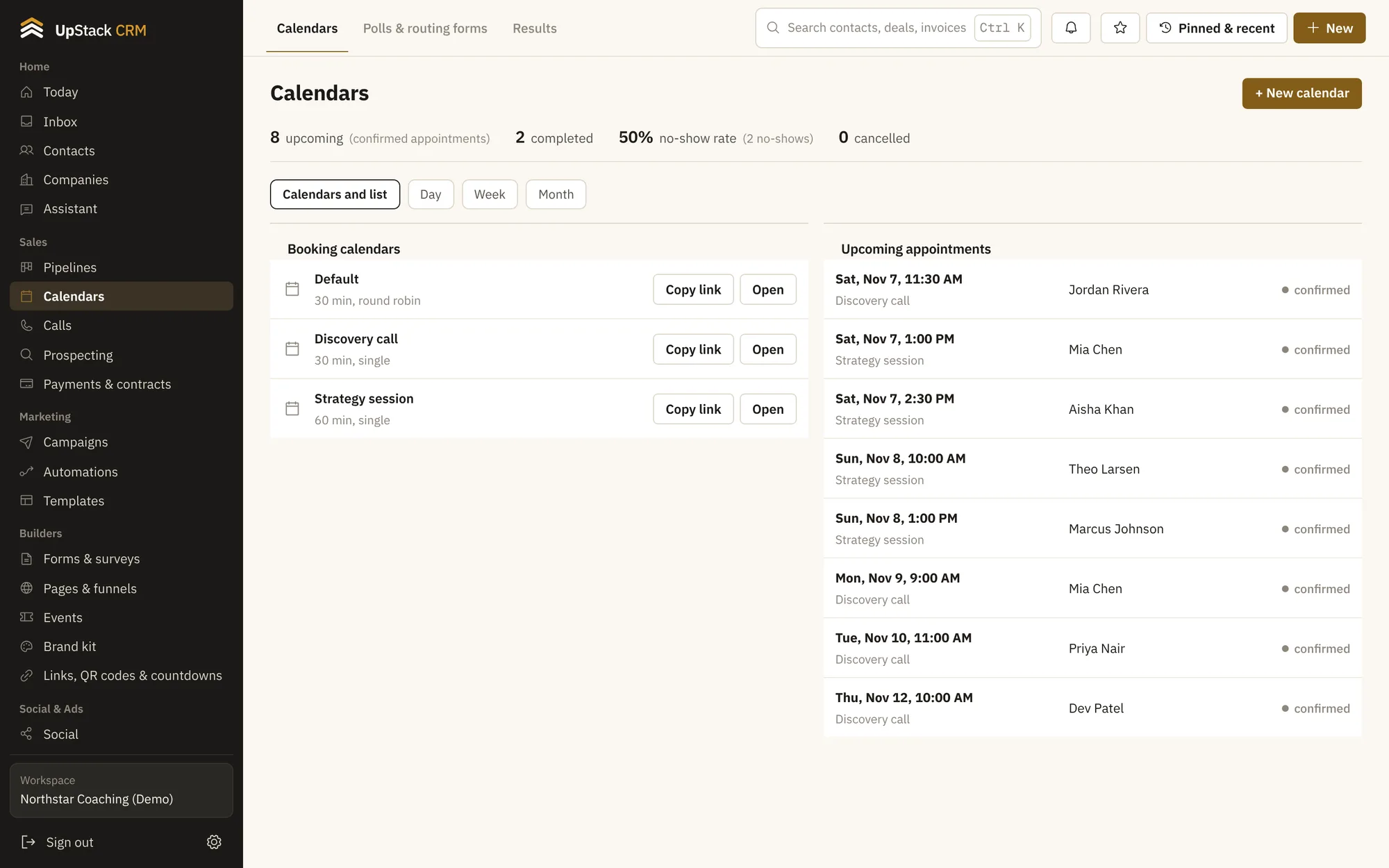
Booking links with reminders
Share a link, set your hours, and clients get automatic reminders so fewer calls get missed.
Client pages with notes
Each client has a page with session notes, goals, tasks, payments and messages.
Packages and recurring payments
Charge for a single session, a package, or a monthly plan.
Agreements and intake forms
Send a form before the first call and a contract after it. Answers save to the client.
Set it up in this order
- 1Set up your calendar and booking link
- 2Send an intake form after they book
- 3Send an invoice or payment link after the call
- 4Keep notes and goals on the client page
Questions
Can clients book without an account?
Yes. They pick a time on your page and enter their name and email.
Can I keep private session notes?
Yes. Notes live on the client page and only your team sees them.