Calendars and booking
Let people book you without the back and forth
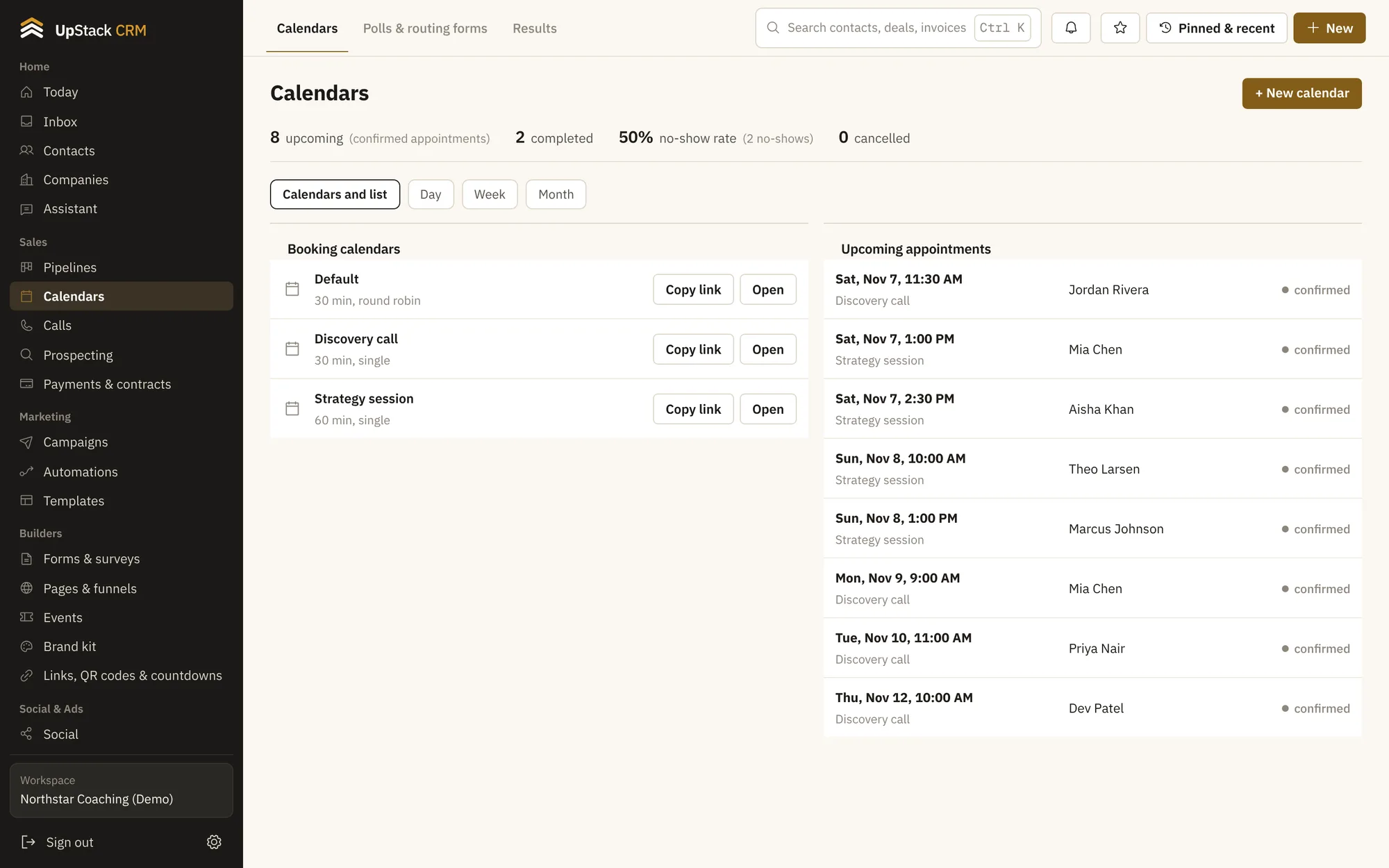
Share a link. People pick a time that works, get a confirmation and reminders, and show up. Charge for the session if you want to, and sync with Google or Microsoft calendars.
Replaces scheduling app, back-and-forth emails.
Calendar sync
Busy times in Google or Microsoft calendars block the booking page.
Many kinds of booking
One-to-one, group classes, round robin across a team, or a menu of services.
Paid sessions
Collect payment when someone books.
Reminders
Email and text reminders cut no-shows.
Polls and routing forms
Find a time for a group, or send each person to the right calendar based on their answers.
Results
See bookings, no-shows and which pages bring them in.
Setting it up
- 1
Make a calendar
Set your hours, length and buffers.
- 2
Share the link
Put it on your site, in emails or in your bio.
- 3
Show up
Reminders go out and notes save to the contact.
Questions
Works with invoices, payments and contracts, coaching tools and calls and power dialer.
Does it add a Zoom or Meet link?
You can attach a Zoom or Google Meet link, or paste your own.
Can clients reschedule?
Yes. Every confirmation has a link to change or cancel.