All features
Turn visitors into contacts
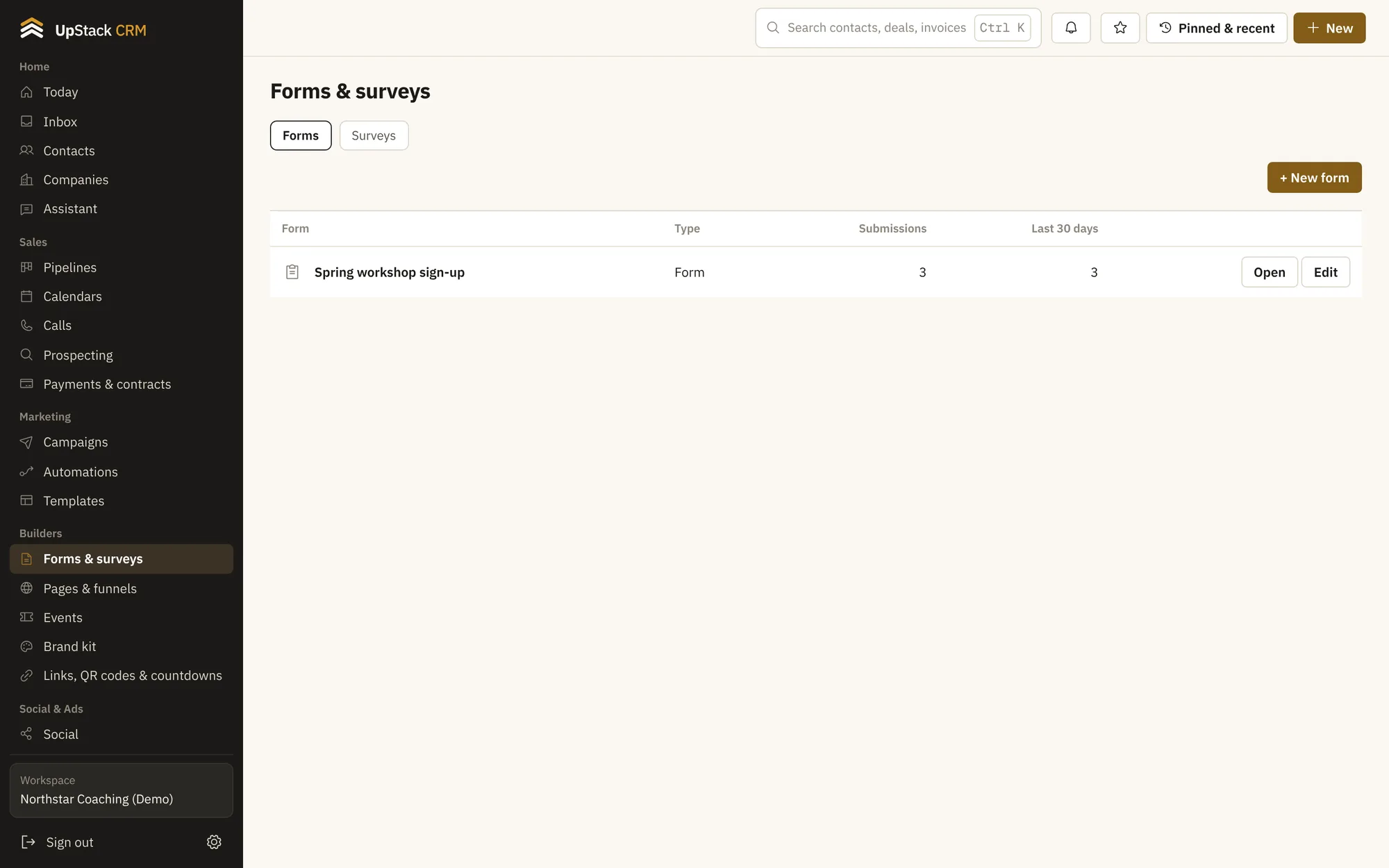
Build forms, surveys and quizzes with a drag-and-drop editor. Answers go straight into the contact, with tags applied and automations started.
Replaces form builder, survey tool.
What you can do
- Forms, surveys and quizzes
- Use one builder for sign-ups, feedback and scored quizzes.
- Multi-step forms
- Break long forms into steps so more people finish.
- Partial answers saved
- If someone fills in their email and leaves, you still have it.
- Text consent built in
- Add the consent line for texts with one switch.
- Tags on submit
- Tag people by what they ask for.
- Embed or share
- Put a form on any website, in a popup, or share a link.
Setting it up
Add your fields
Drag in the questions you need.
Choose what happens
Pick tags, a thank-you message or a redirect.
Publish
Embed it or share the link.
Questions
Works with contacts and crm, pages and funnels and automations.
Can I put a form on my own site?
Yes. Copy the embed code or use the popup script.
Where do answers go?
Into the contact's record, plus a table of all responses.