Community
Give your members a place to talk
Run a discussion space for your students and clients. Post announcements, pin the important ones, and let members reply to each other.
Replaces private facebook group, separate community app.
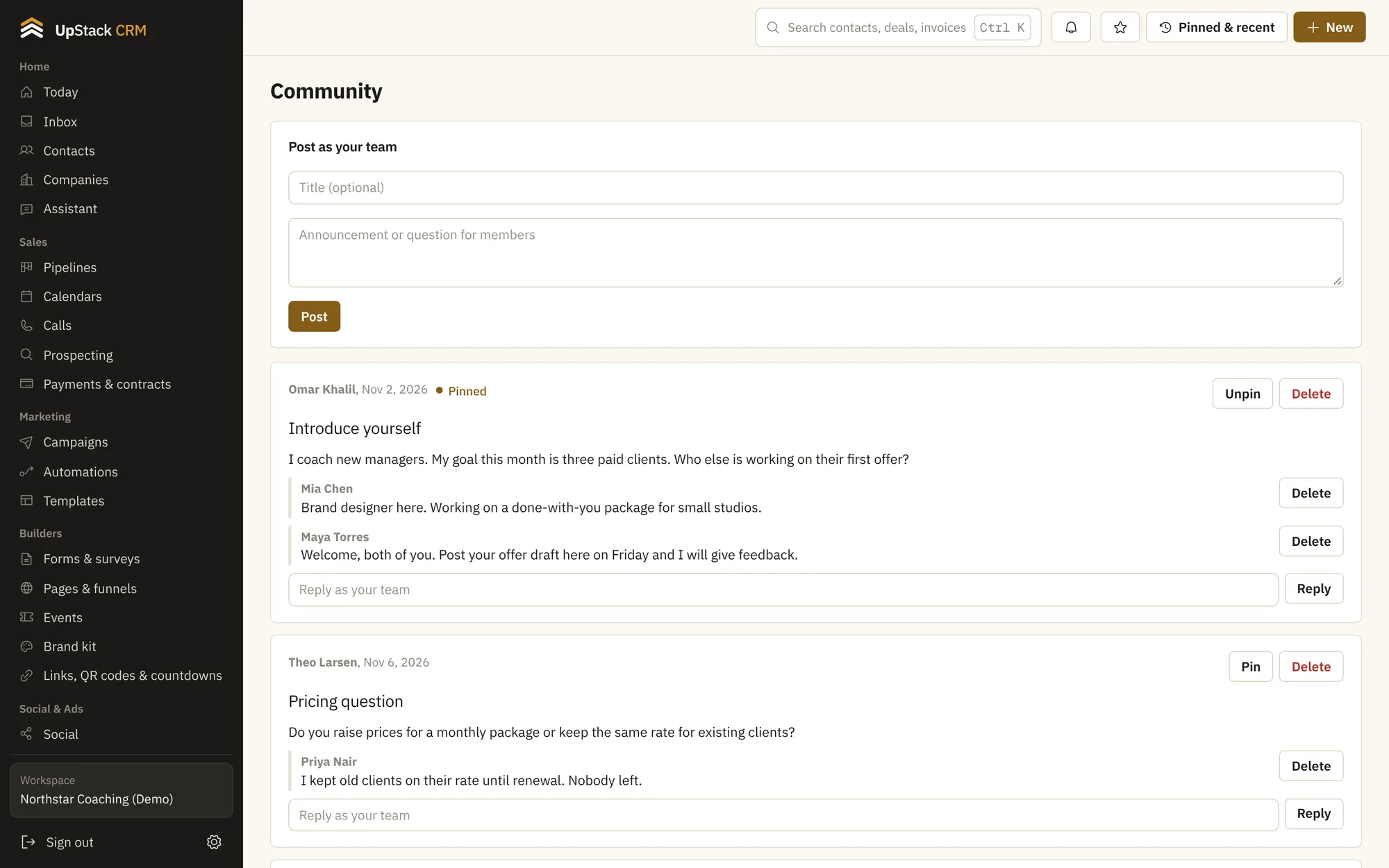
Posts and replies
Members start threads and answer each other.
Pinned announcements
Keep the most important post at the top.
Inside your courses
Each course can have its own discussion on every lesson.
Direct messages
Students can message you from the portal.
Polls
Ask a question and see votes in real time.
Your branding
The space uses your colors and logo.
Setting it up
- 1
Turn it on
Open the community page and make a first post.
- 2
Invite members
Students and clients get access with their portal login.
- 3
Join the conversation
Reply from the same account you use for everything else.
Questions
Works with courses and student portal, coaching tools and shared inbox.
Who can post?
Members you invite. You choose who can see each space.
Can I remove a post?
Yes. Admins can edit or delete any post.