For course creators
Sell and teach your course without five separate tools
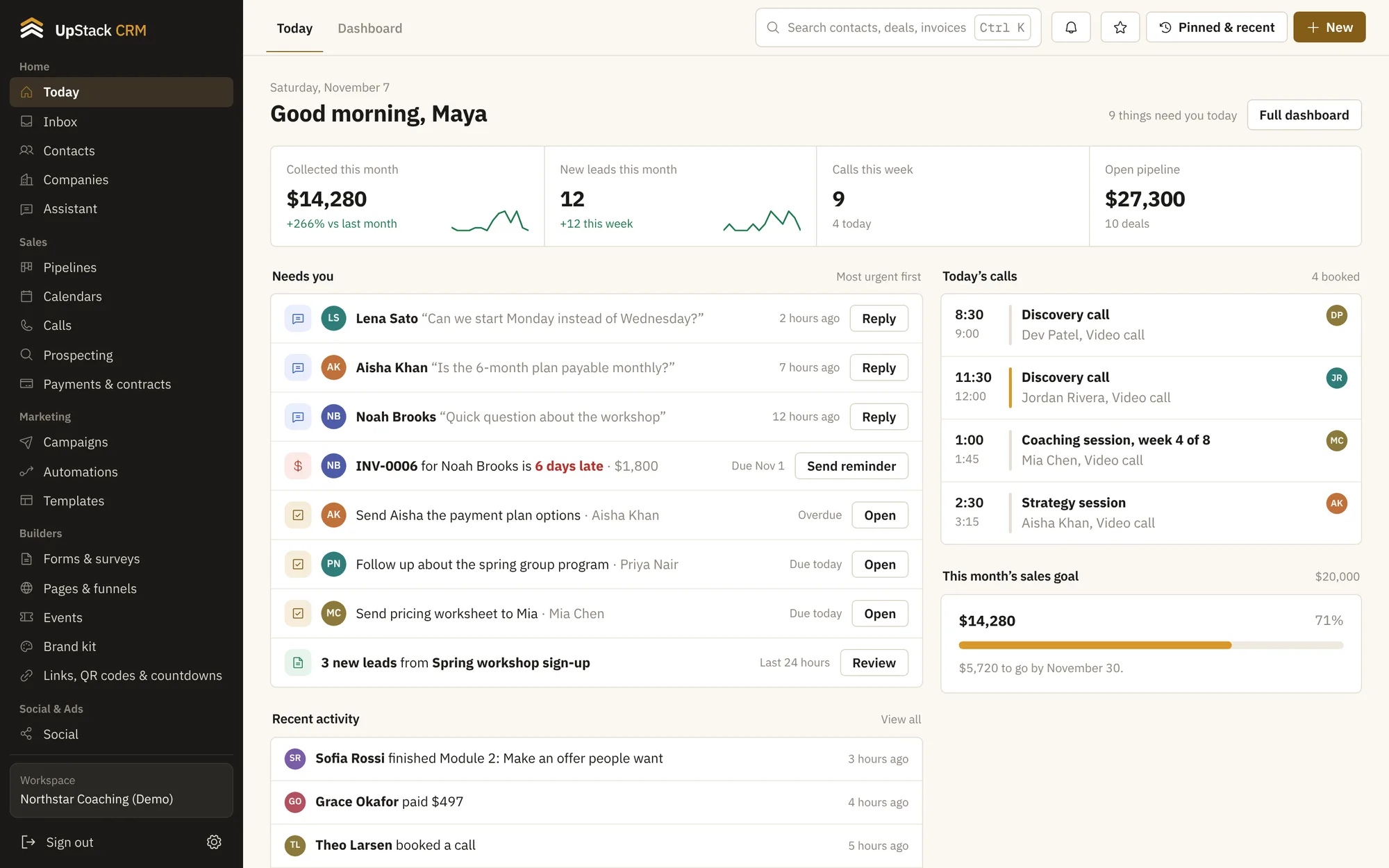
UpStack hosts your lessons, takes the payment, emails the buyer and shows you who finished. The sales page, the checkout and the student login all sit in the same account as your email list.
Your stack, built from the bottom up
What changes for you
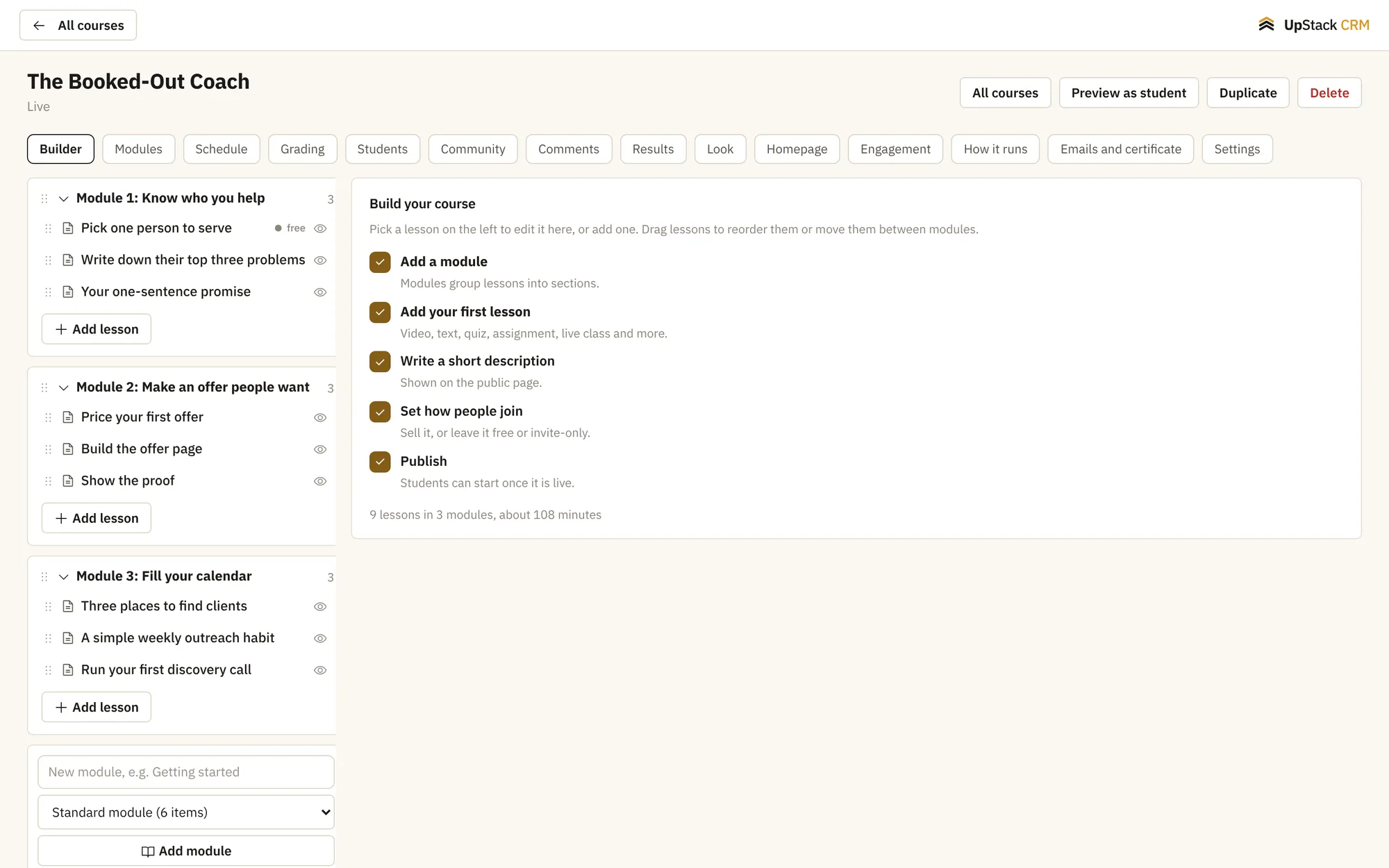
Lessons and a student login
Add modules and lessons with video, text and files. Students log in to a portal on your own domain.
A sales page that connects to checkout
Build the page, add a payment button, and every buyer lands in your contact list with the right tag.
Progress you can see
See who started, who finished and who stopped at lesson three, then send those people a nudge.
Email to buyers and almost-buyers
Send one message to everyone who clicked but did not buy, and another to everyone who did.
Set it up in this order
- 1Build the course with modules and lessons
- 2Make a sales page and connect your Stripe account
- 3Send traffic to the page and watch buyers appear
- 4Message students who stall
Questions
Where do I host videos?
Upload them to UpStack or paste a link from the video host you already use.
Can students log in on my domain?
Yes. The student portal can run on your own domain.