Tasks and goals
Keep your team on the same list
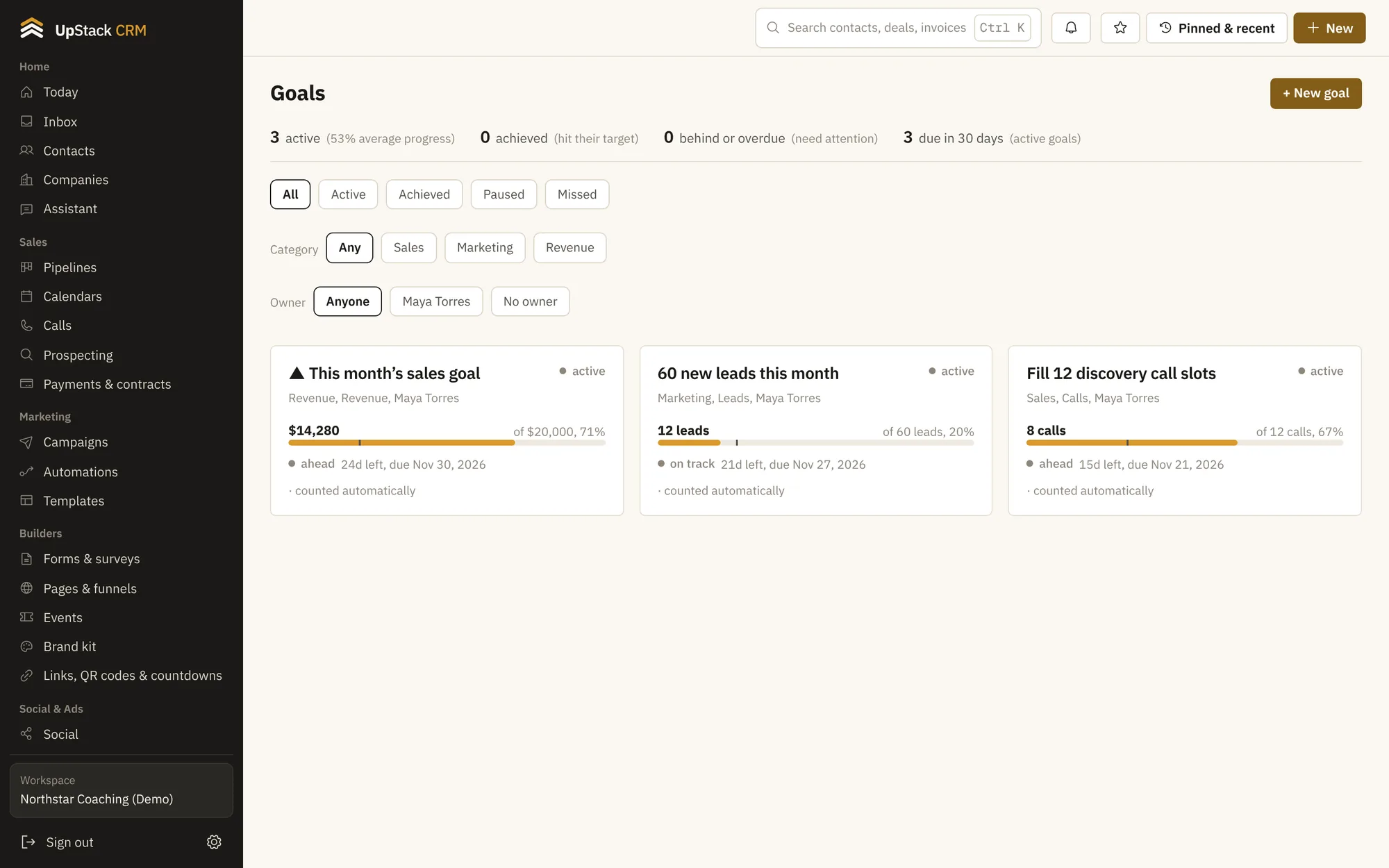
Tasks have owners, due dates, subtasks and time tracking. Goals can pull their progress from real numbers, like revenue or new leads, so you do not update them by hand.
Replaces to-do app, goal tracking spreadsheet.
Tasks with detail
Priority, subtasks, notes, time spent and recurring schedules.
Task templates
Reuse a checklist for onboarding or a launch.
Goals that update
Pick revenue, leads, bookings or deals won, and the number fills itself.
Milestones and check-ins
Break a goal into steps and log progress.
Comments
Talk about a task on the task.
Visible to clients
Share selected tasks with a client.
Setting it up
- 1
Add tasks
From a contact, a deal or a template.
- 2
Set a goal
Choose a number to track and a date.
- 3
Review weekly
See what is done and what slipped.
Questions
Works with sales pipelines, reports and analytics and coaching tools.
Can tasks repeat?
Yes. Daily, weekly, every two weeks or monthly.
Can goals be shared with the team?
Yes. Everyone on the account sees them.