Social planner and ads
Plan your posts and track your ad spend
Plan a month of posts on a calendar, send them for approval, and publish to Facebook and Instagram. Connect ad accounts to see spend and results next to your leads.
Replaces social scheduler, ad reporting tool.
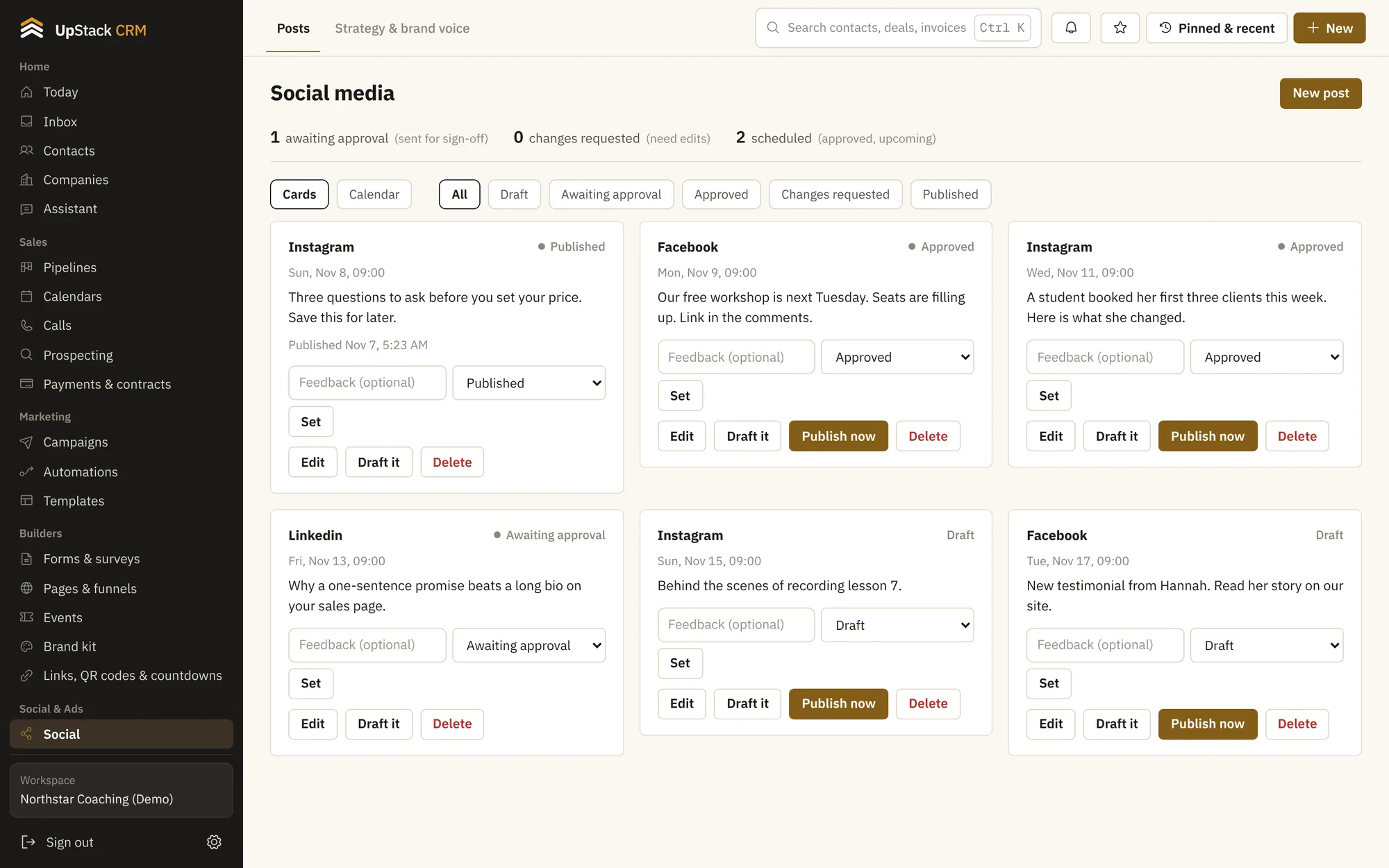
A content calendar
Drag posts to the day you want them out.
Approval flow
Send drafts to a client or teammate and collect feedback.
Publish to Facebook and Instagram
Posts go out at the time you set.
Strategy and voice
Write your content themes and tone so drafts match.
Ad results
See spend, clicks and leads per campaign.
Alerts
Get a note when an ad's cost per lead jumps.
Setting it up
- 1
Plan the month
Add posts to the calendar.
- 2
Send for approval
A reviewer approves or asks for changes.
- 3
Publish and review
Posts go live and results show up in reports.
Questions
Works with reports and analytics, brand kit and reviews and testimonials.
Which networks can it publish to?
Facebook and Instagram. Other networks can be planned and posted by hand.
Can clients approve posts?
Yes. They get a link to review without needing an account.