All features
Collect reviews and put them to work
Send review requests after a purchase or a session. Reply to reviews, feature the best ones, and drop them onto your pages.
Replaces review request tool, testimonial plugin.
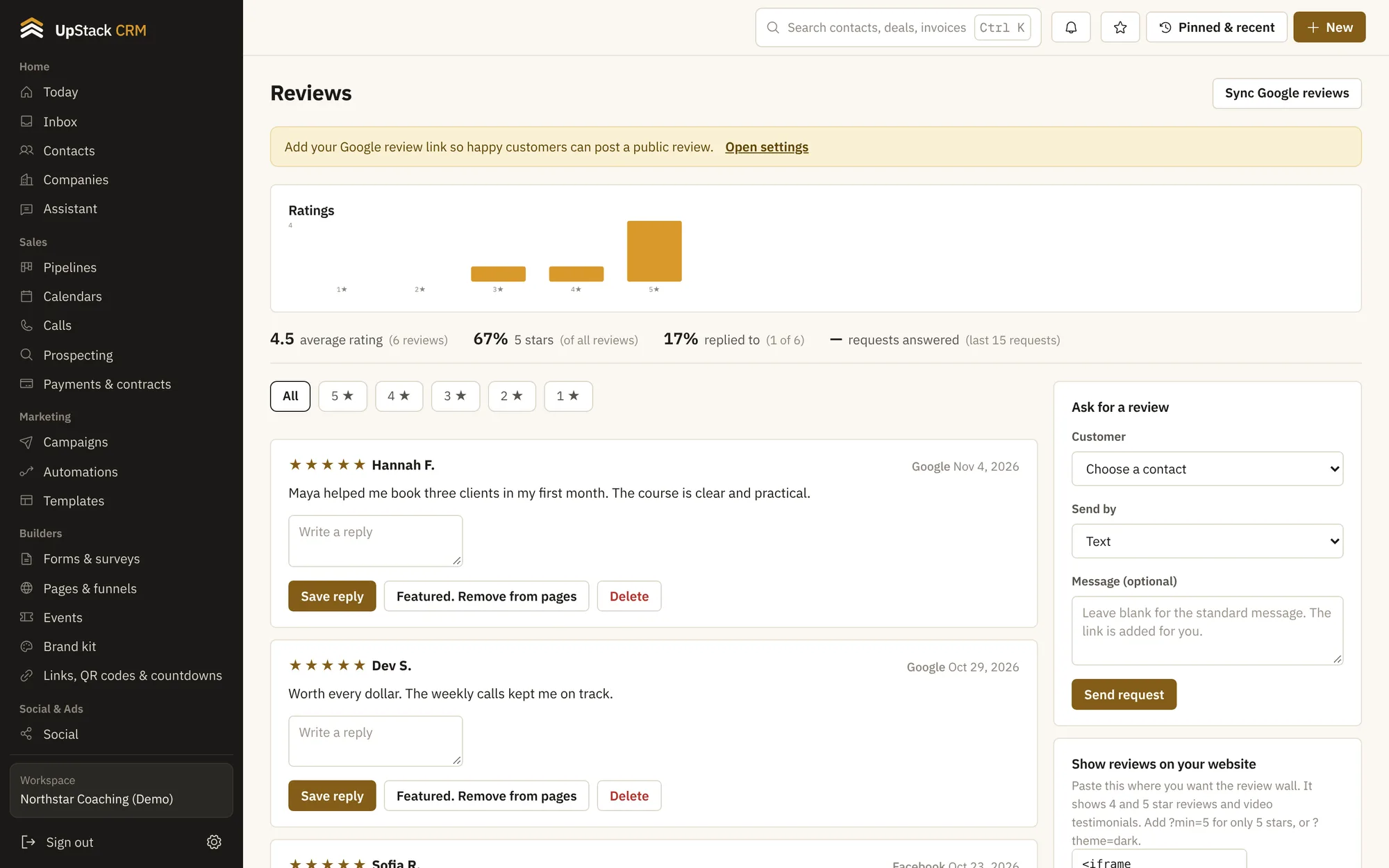
What you can do
- Review requests
- Send a request by email or text when someone finishes a course or a session.
- Ask for reviews and answer them
- Google, Facebook and ones collected on your own pages.
- Replies
- Answer reviews from the same screen.
- Feature the best
- Mark reviews to show on your pages, with permission.
- Video testimonials
- Collect a short video as well as text.
- Ratings over time
- See if your average is moving.
Setting it up
Set up a request
Choose when it goes out.
Collect and reply
Watch reviews come in.
Show them off
Add the best to a page.
Questions
Works with pages and funnels, automations and social planner and ads.
Can I ask for a review automatically?
Yes, from an automation after a payment or booking.
Do I need permission to show a review?
Reviews you collect include a permission checkbox, and only approved ones can be featured.