Know what is working
Reports show leads by source, bookings, revenue, and sales by person. Build your own report if the standard ones are not enough, and see which pages and ads bring people in.
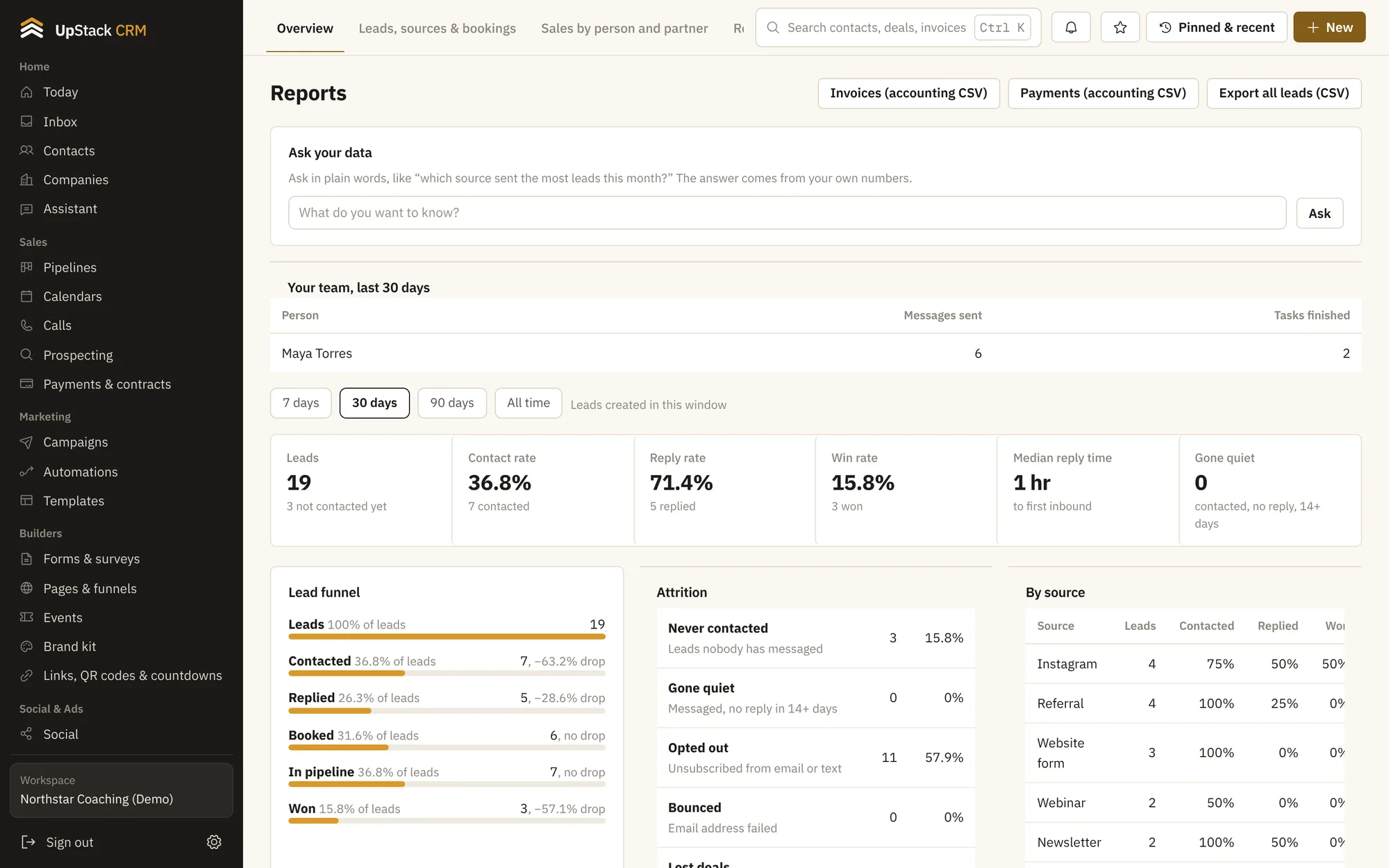
Replaces spreadsheet reports, separate analytics dashboards.
What you can do
Overview
Leads, deals, revenue and tasks on one page.
Source tracking
See which channels bring leads and which ones turn into customers.
Sales by person
Compare reps and partners.
Report builder
Pick the fields and filters and save the report.
Website visitors
See who visited, from where, and which pages they read.
Goals
Track progress toward revenue and lead targets automatically.
Setting it up
Save a report
Keep the views you check every week.
Dig into a source
Click a channel to see its contacts.
Open the overview
A quick read of the month.
Questions
Works with sales pipelines, social planner and ads and tasks and goals.
Can I save a report?
Yes. Save the filters you use and reopen them any time.
Does it track ad spend?
You can connect ad accounts and see results next to your leads.