All features
An assistant that knows your business
Ask it to write an email in your voice, find who has not replied, or draft a lesson outline. It sees your contacts, deals and settings. When it wants to change something, it asks first.
Replaces separate ai writing tool.
What you can do
- Writes in your voice
- Set your tone once in the brand kit and it follows it.
- Finds things
- Ask for contacts who have not replied in a week or deals over a certain value.
- Asks before changing anything
- You approve each change before it happens.
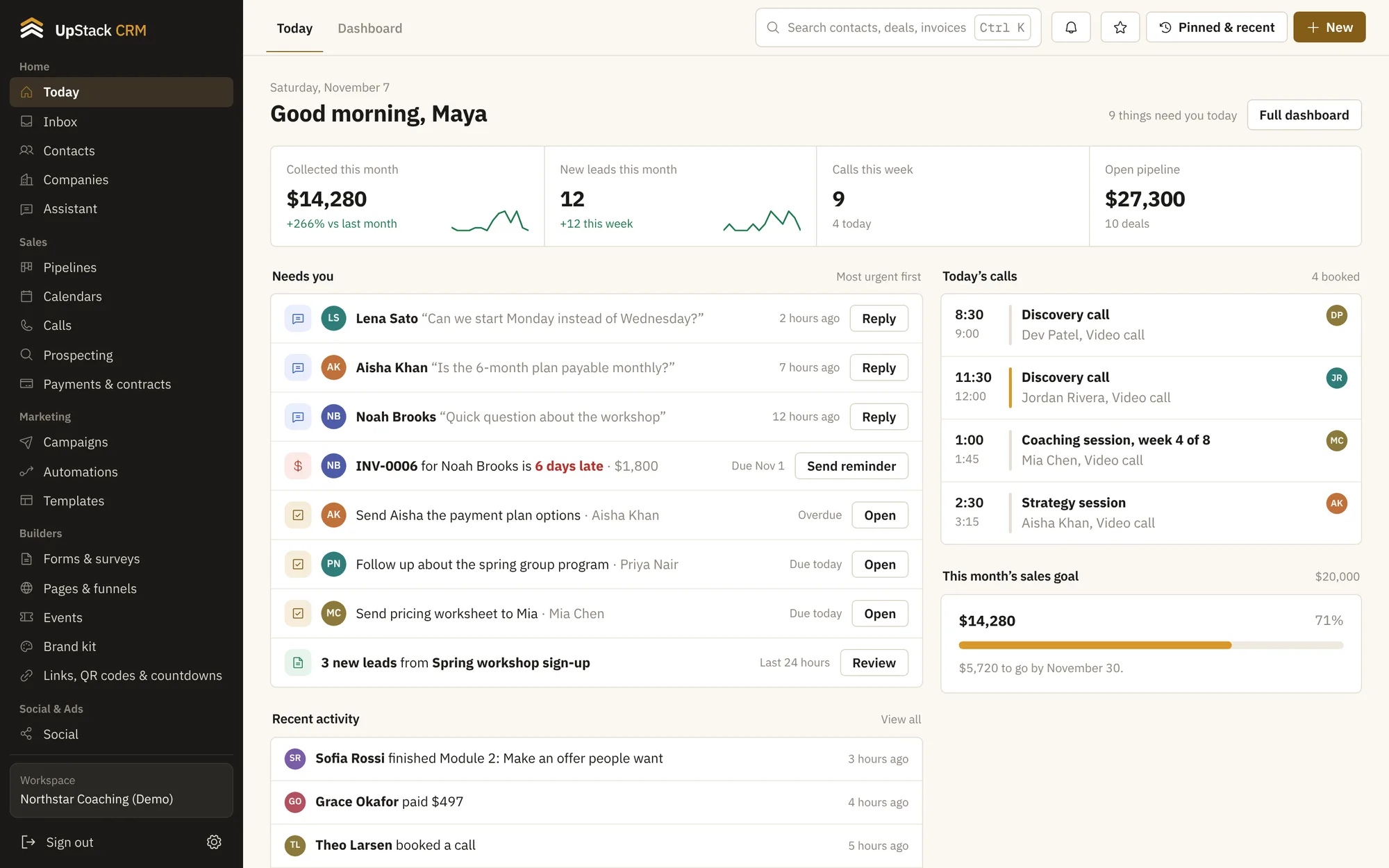
- Daily plan and weekly briefing
- A short list of what needs you today and a summary of the week.
- Answers from your knowledge base
- The front desk assistant replies using the articles you wrote.
- Use your own key
- You connect your Anthropic key and pay for usage directly.
Setting it up
Connect your key
Paste it into integrations.
Ask a question
Type what you want in plain words.
Approve changes
Review each suggested change and click to apply.
Questions
Works with email and text campaigns and contacts and crm.
Do I need my own AI account?
Yes. You connect your own key, so usage is billed to you at the provider's rates.
Does it change things without asking?
No. It asks for your approval before it changes anything in your account.